Pay safer and faster using your Brighty card with Apple Pay
Apple Pay is the easy and secure way to pay with Brighty. Add your Brighty card to Apple Pay to make fast and secure payments with your iPhone or Apple Watch.
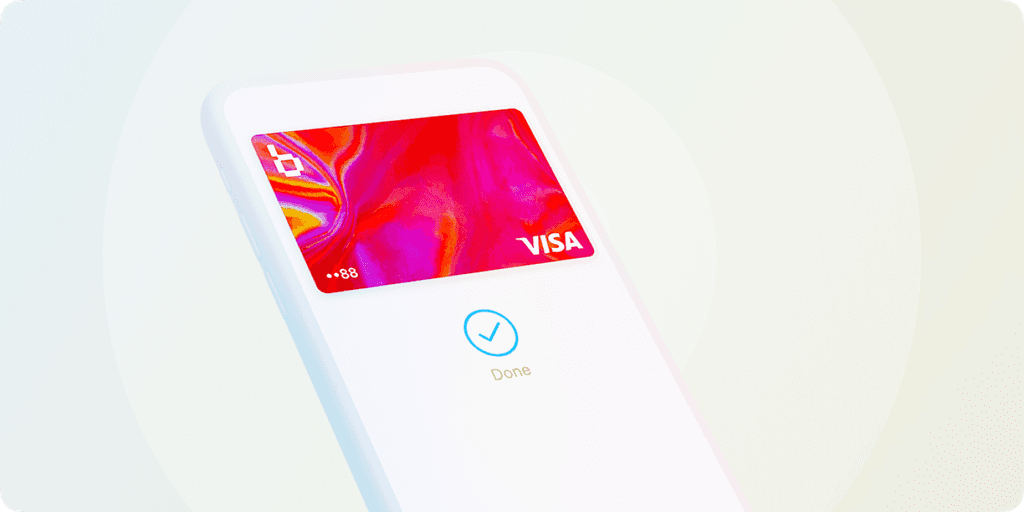
How to add your Brighty card to Apple Pay

Add to Apple Wallet
Use your iPhone to quickly add the Brighty card to Apple Wallet in a few taps.

Set Up on Apple Watch
Open the Watch app, go to “Wallet and Apple Pay”, and add your Brighty card.

Pay Anywhere
Tap your iPhone or Watch at terminals with the contactless symbol to pay with Apple Pay.