How to Send Crypto from One Wallet to Another | The 2026 Brighty Guide
Step-by-step guide on how to send crypto between wallets safely in 2026. Learn how to avoid costly mistakes, reduce fees, and ensure fast transactions.


In 2026, sending crypto from one wallet to another should be as easy as sending a text message. And for the most part, it is, until it isn't. The multi-chain world has given us incredible flexibility, but it's also introduced new ways to make costly mistakes. Sending USDT on the wrong network, pasting an address with a single wrong character, or underestimating gas fees can turn a routine transfer into a permanent loss. But with the right habits and tools, every single one of these errors is completely avoidable.
In crypto, there's no customer service line to call if funds go to the wrong place. But in 2026, the best crypto wallet apps have evolved to make transfers safer than ever with address warnings, network auto-detection, and transaction simulation built right in. Whether you're moving Bitcoin to cold storage or sending stablecoins to a friend, here's exactly how to send crypto from one wallet to another without losing your cool or your funds.
How Crypto Transfers Work
Before diving into the apps, it helps to understand what happens when you hit "Send." Your wallet creates a transaction specifying three things: the recipient's address, the amount, and a network fee. It then signs this transaction with your private key: proving you own the funds and broadcasts it to the blockchain network. Miners or validators confirm the transaction and add it to the permanent ledger.
That last word permanent is the most important. Once confirmed, a blockchain transaction cannot be undone. No chargebacks. No reversals. This immutability is crypto's superpower, but it also means every mistake is final.
The Golden Rule: Always Send a Test Transaction
The single best practice in crypto transfers is also the simplest: before sending any significant amount, send a small test amount first. Send $1 worth. Wait for it to arrive. Confirm the receiving wallet shows the correct balance on the correct network. Then, and only then, send the rest.
Yes, you'll pay two transaction fees instead of one. On most networks in 2026, that additional cost is measured in cents. Compared to losing an entire transfer, it's the cheapest insurance you'll ever buy.
Best Wallet Apps for Secure Transfers in 2026
The following wallets stand out for making transfers safer and more intuitive, with features that catch errors before they cost you.
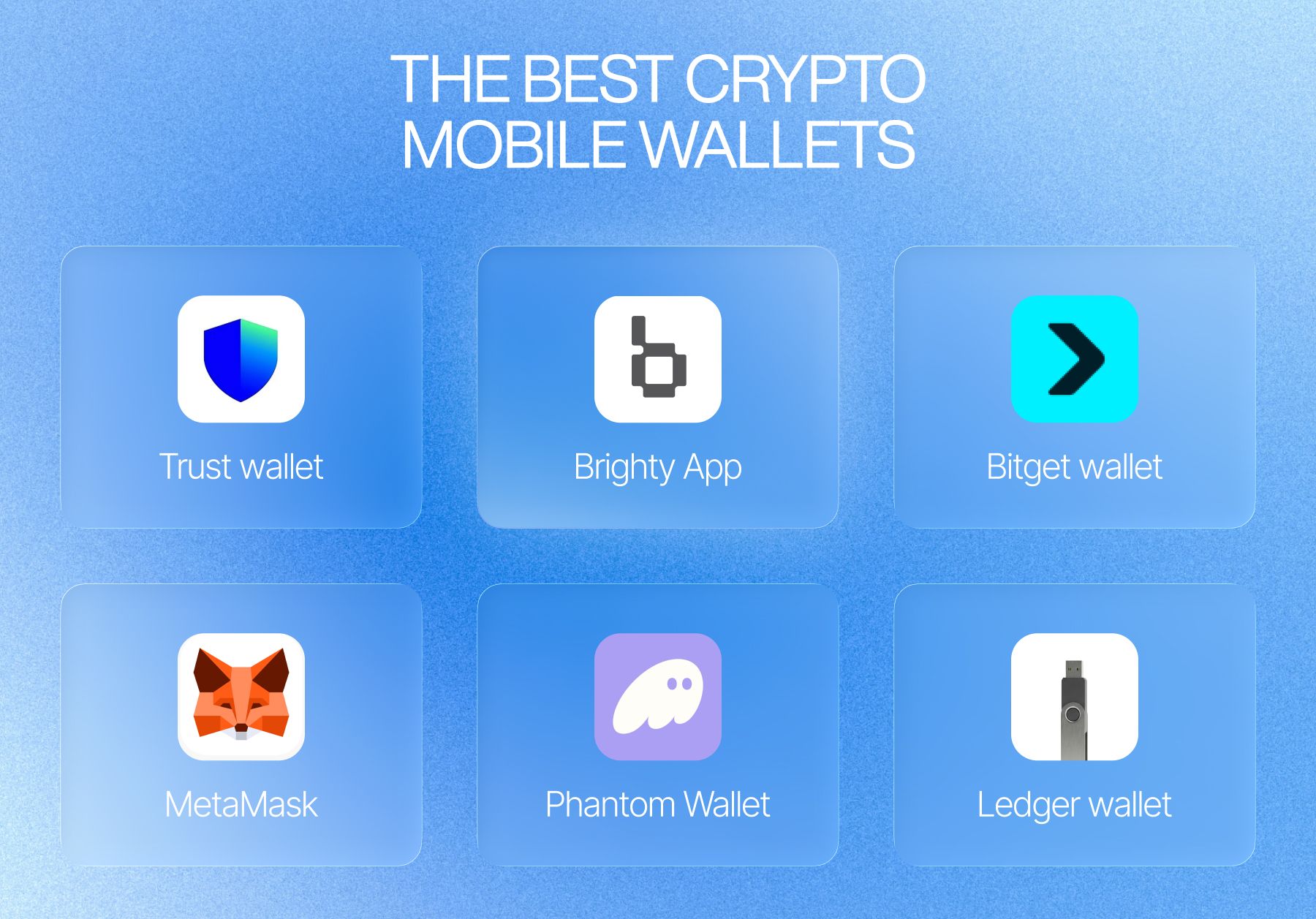
Trust Wallet
Now offers unlimited free USD1 and U transfers on BNB Smart Chain as part of the extended zero-fee carnival through February 2026. The app clearly displays network selection and includes address warnings for known scam addresses. Perfect for everyday transfers and multi-chain support.
Brighty App
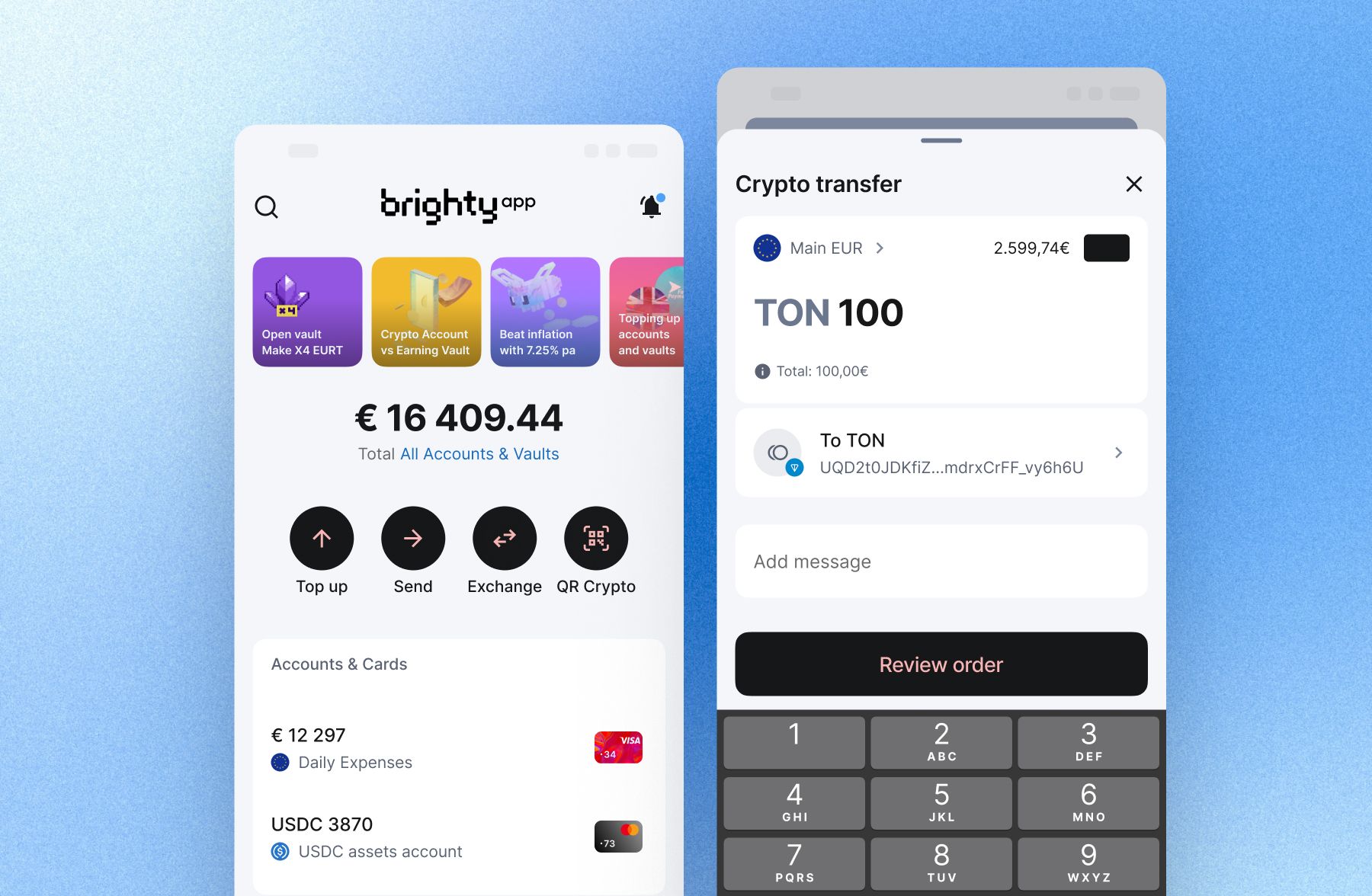
The versatile payments processor that finally speaks both fiat and crypto without a translator. Your account comes with two sides: a business-grade stablecoins wallet with its own IBAN and a crypto vault earning up to 10% APY. You spend from the same balance. Built for freelancers, creators, online businesses and humans who value their time, Brighty holds a Swiss VQF license and publishes proof-of-reserves audits.
Bitget Wallet
Withdrawals from Bitget exchange start from just 0.00001 BTC for Bitcoin and 0.001 USDT for Tether, depending on network selection. The wallet supports multiple chains including TRC-20, BEP-20, and Arbitrum, giving you flexibility to choose the lowest-fee route. Bitget's dynamic fee adjustment means you never overpay during low-congestion periods.
MetaMask / Rabby
The hottest EVM wallets for beginners. The latest versions include transaction simulation a feature that shows you exactly what will happen before you sign. You'll see which tokens leave your wallet, which you'll receive, and the net effect on your balance. Rabby, in particular, has made simulation and risk prompts a core feature, preventing malicious smart contract interactions.
Phantom
For Solana users, Phantom offers sub-second transaction finality and clear network indicators. The app now supports embedded wallets created inside dApps, letting you access funds from apps like Melee Markets without installing Phantom first.
Ledger / OneKey
Hardware wallets remain the gold standard for large transfers. OneKey's integration with low-trace chains like Hyperliquid allows for bulk USDT movements with minimal on-chain footprint. Always verify transaction details on the physical device screen never "blind sign"
Step-by-Step: How to Send Crypto Safely
Step 1: Verify the Network This is the most common mistake. USDT exists on Ethereum (ERC-20), Tron (TRC-20), BNB Chain (BEP-20), Solana, and more. Sending ERC-20 USDT to a TRC-20 address will lose your funds permanently. Always confirm that both wallets support the exact same network before proceeding. Step 2: Copy the Address Correctly Never type an address manually. Copy and paste, then verify the first four and last four characters against the original. Clipboard malware that swaps addresses during copy-paste is a known attack vector, this verification step is not optional. Step 3: Check Gas Fees You must have enough of the network's native token to pay the fee: ETH for Ethereum, SOL for Solana, BNB for BNB Chain, TRX for Tron. Most wallets display estimated fees before confirmation and offer speed options. For non-urgent transfers, selecting a slower speed can save money on high-fee networks. Step 4: Send a Test Transaction As emphasized above, this single habit prevents every major category of transfer error. Step 5: Confirm on the Blockchain After sending, you can track the transaction using a block explorer like Etherscan (for Ethereum), TRONSCAN (for Tron), or Solscan (for Solana). Search your recipient address or transaction hash to verify confirmation.
Pro Tips for 2026
Use TRC-20 for USDT: Tron's network offers the lowest fees and fastest settlements for stablecoin transfers: usually under 3 minutes and ~13-20 TRX per transaction. Consider privacy transfers: new tools like Hinkal Private Send let you route transfers through smart contracts so payments appear to originate from the contract rather than your wallet, useful for confidentiality.
Here's the truth about sending crypto in 2026: the technology has never been safer, but it cannot fix human error. Trust Wallet for zero-fee transfers, Bitget for lowest withdrawal costs, MetaMask/Rabby for transaction safety, Phantom for Solana speed, and Ledger/OneKey for cold storage security: all offer powerful safeguards. But they're only as effective as the habits you pair them with. So, again: send test transactions, verify networks, check addresses twice. And never, ever rush.